
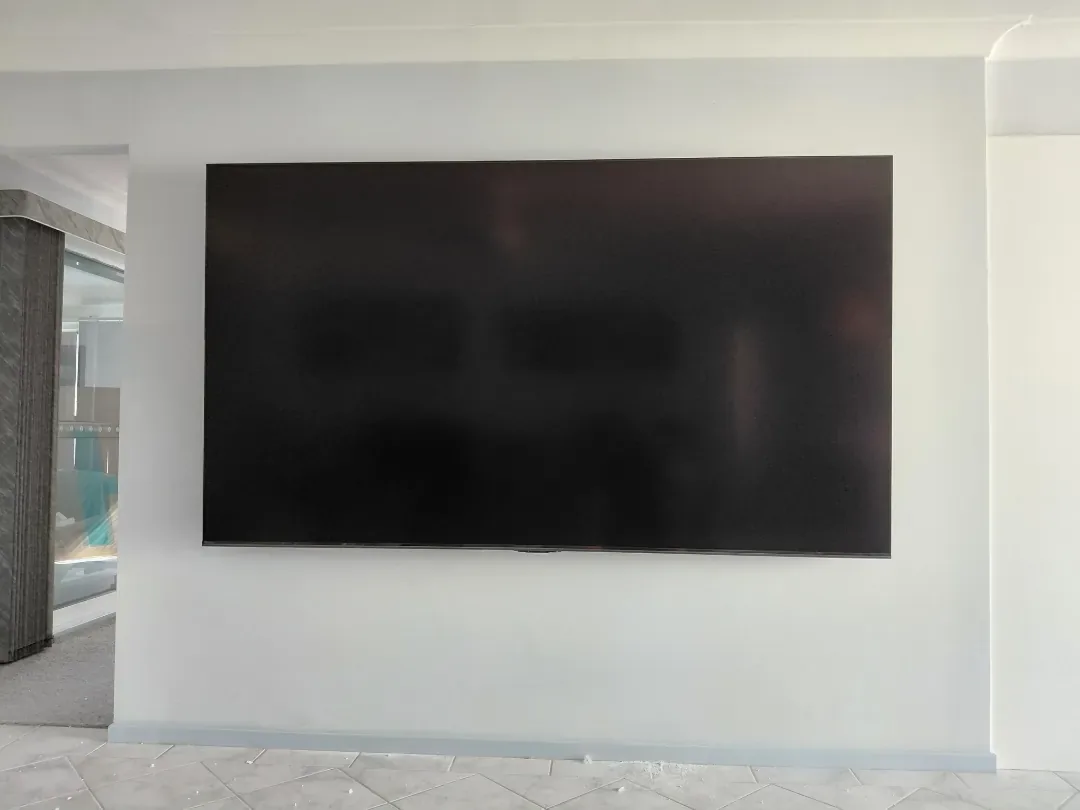
TV wall mounting
How do you hide TV cables in the wall?
To hide TV cables in a home around Newcastle, Lake Macquarie, Port Stephens or the Hunter, run them inside the wall cavity on gyprock, or plan a route on brick, where there’s no cavity to use.
Mark Jamieson has been hiding cables since 1999, as part of most TV wall install jobs. Here’s what he looks at on each type of wall.
Which way of hiding TV cables suits your wall?
Your wall decides almost everything. The first thing to find out is what’s behind the paint, because hiding cables in a stud wall and in double brick are completely different jobs. Knock on the wall: hollow usually means gyprock on a frame, and solid usually means brick. Here’s how they compare.
| Wall | How cables get hidden | Difficulty |
|---|---|---|
| Gyprock on a timber frame | Down the cavity between studs, with two small plates | Simplest, unless a noggin is in the way |
| Gyprock on a steel frame | Down the cavity, working around the frame’s members | Moderate, and the TV’s fixings are the harder part |
| Double or solid brick | Chased into the wall and patched, or run behind a cover | Hardest, with mess to patch and paint |
| Any wall, rented home | A slim, paintable cover on the surface | Easy, but still visible |
Hiding cables in a gyprock wall on a timber frame
A timber-framed gyprock wall is the easiest wall to work with, because it’s hollow. A small opening goes behind where the TV will sit, and another goes low down near your devices. The cables are fed down the cavity between them, usually with a draw wire, and tidy brush plates or wall plates finish off both holes.
What catches people out is the noggin, the horizontal piece of timber that runs between the studs partway up the wall. Your cable runs straight into it. It’s why a job that looks like 10 minutes on YouTube can turn into an hour of poking around in the wall. Insulation can also make it harder to feed the cable down in outside walls.
Before anyone cuts a hole, check what’s already in the wall. Power cables and water pipes often run straight up or down from a power point or tap. A stud finder that also detects live wires helps, but if you’re unsure, stop there and get someone in.
Hiding cables in a steel-framed wall
Steel frames are common in newer homes and renovations, and the cable part is much like timber. It’s the TV’s fixings that make these walls harder, and that’s why people often come to Mark after being turned away elsewhere. Here’s how one customer put it:
“Mark from Antenna Installs was the only antenna specialist in the area who would attempt to mount a television on the wall in my unit because I had mostly brick walls and one internal steel-framed gyprock wall, which is apparently very difficult to achieve. He did this beautifully and also hid the cables in the wall. He has since mounted TVs in all of my family’s homes at a great price”Cooks Hill customer, testimonial
Watch for the sharp edges on steel studs, because they can nick a cable as you pull it through. Steel frames also usually have pre-punched holes, so the route may not run exactly where you expected.
Hiding cables in a brick wall
A double brick wall, like many of the older homes around Newcastle’s inner suburbs, has no easy cavity to drop a cable down. You have three real options:
- Chase it in. A channel gets cut into the brick, the cable goes in, and it’s patched and painted. It looks perfect but makes a lot of dust and it’s a big job.
- Go through the wall. If there’s a room, a cupboard or a roof space behind it, the cable can go straight through the wall behind the TV and come up where it’s out of sight.
- Use a slim cover. Paint it the same colour as the wall, and it nearly disappears. It’s the cheapest and least messy, though not invisible.
The best answer depends on what’s behind the wall, so it’s worth having someone look before you start cutting.
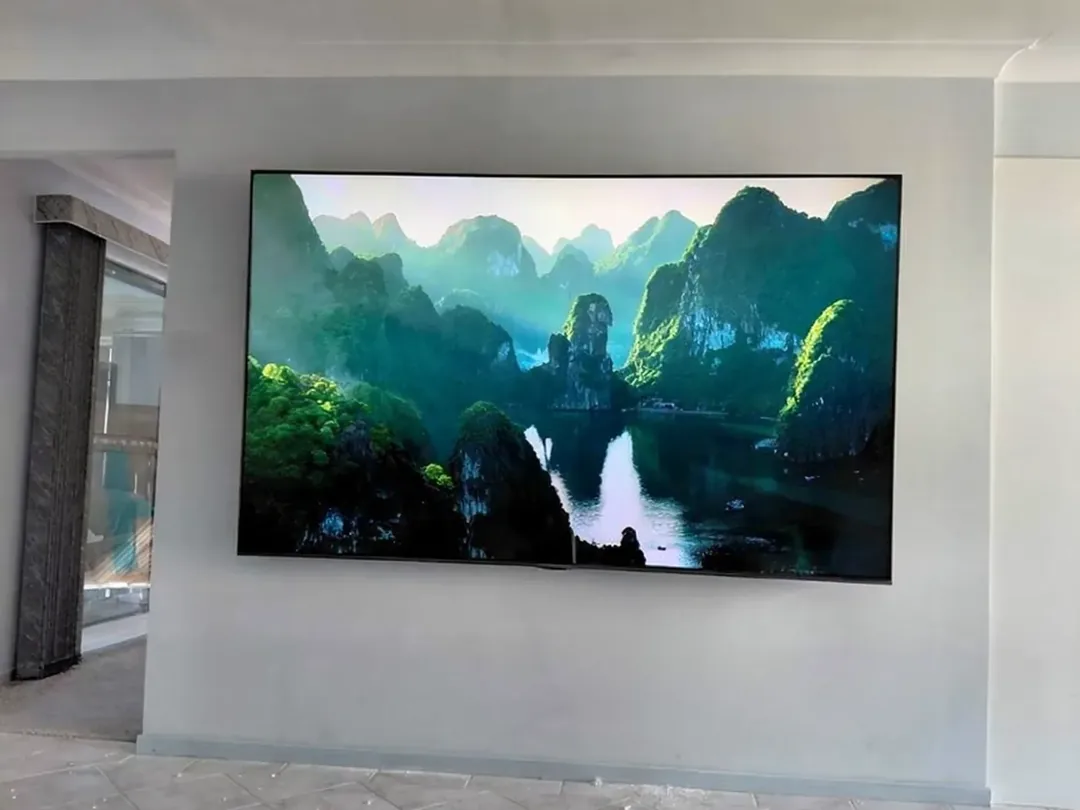
How to hide TV cables without cutting the wall
If you rent, or just don’t want holes in the wall, there are still some good options:
- A slim adhesive cable cover, painted to match the wall
- A low TV cabinet directly under the screen, to hide the bottom of the run
- A single cable from the TV to a small box, on TVs that support it, instead of a bundle of leads
- Wireless HDMI or a streaming stick behind the TV, so there’s less to run in the first place
None of them look as clean as cables in the wall. They’re fine if you’re moving in a year or two, though. If you rent, ask your landlord before you drill anything.
What to plan before you hide TV cables
You only want to do this once, so think through a few things first:
- Where the TV goes. Set the height first. See how high to mount a TV.
- Where the devices live. The bottom plate goes near them. If they’re in a cupboard on another wall, the run gets longer.
- How long the cables need to be. Measure along the actual route, then add some. Mark carries longer HDMI cables, as people often need them.
- What you’ll add later. A soundbar, a console or a wired data point. A spare cable or some conduit saves opening the wall again.
Do it right, and it’s what Mark described on a double-storey antenna job: “There is absolutely no exterior cabling showing whatsoever.” Inside, the idea is the same. You should see the screen and nothing else.
How can I hide the cables on my wall-mounted TV?
Run them inside the wall cavity, from behind the TV down to a wall plate near your devices. That’s the neatest result on a gyprock wall. On solid brick, you can chase the cable into the wall, or use a slim cover on the surface. A flat cable cover is the easy option if you rent.
How do you hide TV cables inside the wall?
A hole goes behind the TV and another low on the wall, usually with brush plates or wall plates. The cables are fed down between them using a draw wire, after checking for studs, noggins, pipes and power cables. HDMI and antenna cables can go this way.
How do you hide TV cables without a feature wall?
You don’t need one. On a normal gyprock wall, cables run inside the existing cavity with only two small plates to show for it. On brick, a slim paintable cover or a low cabinet can hide most of the run. A feature wall only makes sense if you’re renovating anyway.
Should I add spare cables while the wall is open?
Yes. A spare HDMI or a length of conduit costs little now, and it saves opening the wall later when you add a console or a soundbar. If you’re doing the job once, it’s worth planning for the devices you might want in a few years.
What to do next
- Gyprock wall and confident with tools? You may be able to do the HDMI run yourself. Check for wires and pipes first.
- Brick, steel frame or a big TV? Get a quote from Mark with the TV size and wall type for a rough idea. Or ring him on 0408 563 949.

About Mark Jamieson
Mark runs Antenna Installs from New Lambton and has worked across Newcastle, Lake Macquarie and the Hunter since 1999. He is an electronic technician with an ACRS Registered Cable Licence (A019419), rated 5.0 from 565 Google reviews. More about Mark.

Free quote
Picture playing up? Call Mark.
No call-out fee, and quotes are free. Open 7 days. Smaller jobs priced over the phone, and often done on the spot.
0408 563 949