
TV reception
Why does my TV say “No signal”?
A TV that says “No signal” anywhere from Newcastle and Lake Macquarie to Port Stephens and the Hunter usually has one of five causes: the wrong input, a loose lead, channels that need retuning, a failed power supply, or a fault at the antenna. The first three take about 5 minutes to check yourself and cost nothing.
If they don’t fix it, the next step is a signal test. That’s how Mark starts every TV antenna system repair.
What should you check first when your TV says no signal?
Check the input on the TV first, because it’s the most common cause and the quickest fix. A remote gets sat on, a child presses a button, and the TV ends up on HDMI 2 looking at a device that’s switched off. Then work through the rest in this order, and you’ll rule out most of the causes that don’t need a technician.
- Check the input. Press Source or Input on the remote and choose TV or Antenna. If you watch through a set-top box, choose the HDMI it’s plugged into, and make sure the box is on.
- Check the lead. Push the antenna lead firmly into the back of the TV and into the wall plate. Those plugs work loose when a TV gets moved or cleaned. If you have a spare lead, try it.
- Retune the TV. Open the menu and look for auto-tune or channel scan. Let it run all the way through. It’s free and it can’t hurt, as long as you don’t have channels you’ve set up by hand.
- Compare your TVs. Turn on every TV in the house. Whether it’s one or all of them is the most useful clue you’ll get, and the next section explains why.
- Check the power supply. If your antenna has a masthead amplifier, there’s a small power supply plugged in somewhere inside, often behind a TV or in a cupboard. Make sure it’s plugged in and switched on, and that its light is on if it has one.
If that gets the picture back, you’re done. If not, you haven’t wasted anything, and you’ll be able to tell the technician exactly what you’ve tried.
One TV with no signal, or every TV? It changes everything
If only one TV has no signal, the fault is almost always between that TV and the wall. The antenna on the roof is feeding your other TVs perfectly well, so it can’t be the problem. Look at that TV’s input, its lead, its wall plate and the cable feeding that room.
If every TV has lost the signal at once, the fault is somewhere they all share. That means the antenna, the main cable coming down from the roof, the splitter that shares the signal out, or the masthead amplifier and its power supply. You usually can’t fix those from the ground, but you’ve just narrowed it down a long way.
What each TV reception fault looks like
Different faults leave different signs. This table covers the patterns Mark sees most often around Newcastle and the Hunter.
| What you see | Likely cause | Can you fix it? |
|---|---|---|
| “No signal” on one TV | Wrong input, or a loose or faulty lead | Usually yes |
| “No signal” on every TV, all at once | Failed power supply, main cable or antenna fault | Check the power supply, then call |
| Channels gone after a storm | Antenna moved or damaged | Needs someone on the roof |
| Pixelation that’s worse in rain or wind | Water in a connector, or a loose or badly aimed antenna | Needs a signal test |
| Some channels fine, others missing | Weak signal on those frequencies, or the TV needs a retune | Try a retune first |
| Reception slowly got worse over months | Corrosion, or a tree or building now in the way | Needs a signal test |
When the fault is on the roof: antennas, cables and power supplies
Poor or tired antenna systems are a common cause of bad digital reception, usually a corroded or broken antenna, or one mounted too low. The fix is often smaller than people expect. Water gets into an old connector, the signal fades before it reaches the TV, and a new connector brings every channel back.
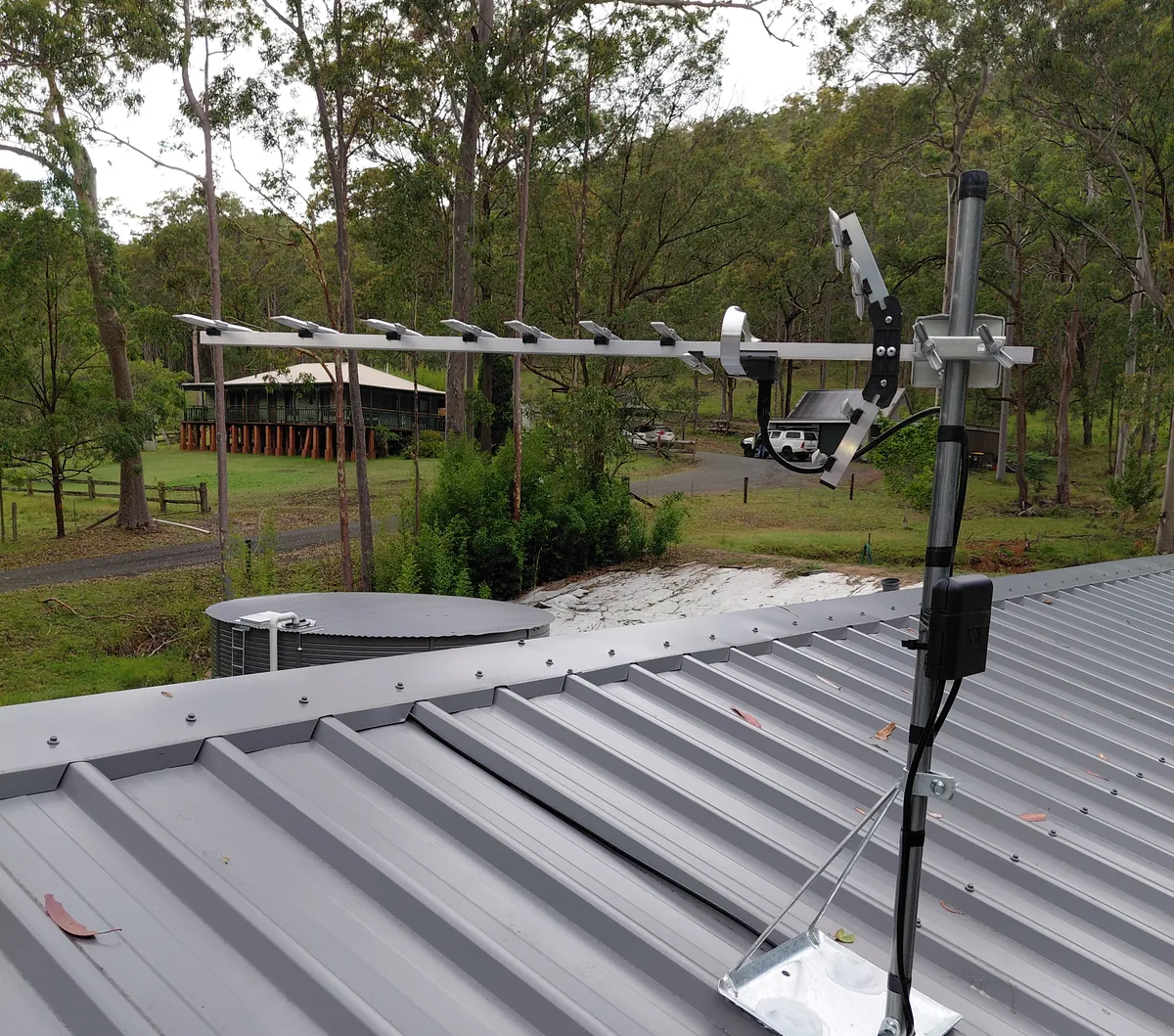
A failed masthead power supply fools people all the time. The amplifier on the mast gets its power up the same cable that brings the signal down, so when the power supply dies, every TV loses signal at once and it looks exactly like a dead antenna. A replacement power supply is far cheaper than a new antenna.
Signal strength also changes with the weather and the season, so a system that only just got by can fall over when it’s wet. As Mark puts it about installs in weak signal areas:
“Cutting corners in a poor signal area means pixelation and dropped channels the moment the weather changes.”Mark Jamieson, Antenna Installs
Don’t go up there to look, though. A roof is a bad place to find out you’re not sure of your footing, and without a meter you’re only guessing at what’s wrong.
Could interference or the weather be causing it?
Yes, sometimes. If the picture breaks up at particular times of day and then comes good, something nearby could be interfering with the signal. Appliances and electrical equipment can do this, and one Australian guide also points to thunderstorms and signal from other devices. Try turning things off one at a time, and see if the picture changes.
On the coast, there’s another odd one. In certain weather, TV signals can travel much further than normal and get in the way of your local channels. It tends to clear up by itself. If it keeps happening at your place, an antenna check is still worthwhile, because a stronger, well-aimed signal handles it better.
To see what signal your address should be getting, enter it on the government’s mySwitch site. If it can’t get a signal at all, have a look at VAST, the satellite option.
No signal in a unit or apartment? Check with the building first
Most apartment buildings share one antenna system. If your neighbours have lost their TV too, the fault is in the building’s system, so ring your strata manager or body corporate. Retune your own TV first, because that’s free and can fix it. If it’s only your unit, the problem is likely to be your lead, wall plate or the cable to your unit, and Mark can look at that.
Why is my TV not finding any channels even though I have an aerial?
The signal isn’t reaching the tuner. Start by checking the TV is on the antenna input and the lead is pushed in firmly at both ends, then run a channel scan. If it finds nothing on any TV in the house, the fault is likely to be the power supply, the main cable or the antenna itself.
Why is my antenna not picking up channels all of a sudden?
A sudden loss usually has a sudden cause. The common ones are a storm moving the antenna, a failed masthead power supply, a cable damaged by roof or renovation work, or water getting into a connector. Think about what changed in the last few days, as that often points straight to it.
Why is my TV pixelating all of a sudden?
Pixelation means the signal is getting through, but it’s weak or noisy. If it comes and goes with the weather, look at the antenna’s position and the outdoor connectors. If it only happens at certain times, an appliance or a nearby device could be causing interference. A signal test tells you which. If it happens on a clear, calm day with nothing else changed, a nearby mobile tower may be the cause: see 4G/5G filters for TV antennas.
Does a TV need retuning if nothing has changed?
It can. Channels sometimes move, and a retune is free, quick and safe to try. It clears up plenty of “no signal” screens. Open the TV’s menu, look for auto-tune or channel scan, and let it finish. Then check whether your channels are back.
Could my neighbour’s new house be blocking my TV signal?
Yes. A new second storey or a growing tree can block the path from your antenna to the transmitter. If your reception got worse slowly, or after building work nearby, that’s worth checking. Moving the antenna a few metres along the roof is often enough to get back in the clear.
What to do next
Here’s how to move forward, depending on what you found:
- Only one TV is affected, and a new lead didn’t help: it’s likely the wall plate or that room’s cable. Contact Mark for a rough idea.
- Every TV is affected: ring Mark on 0408 563 949. Tell him what you tried, and he can often narrow it down before he comes out.
- Someone has quoted you a booster: read do TV antenna boosters actually work? first. You might not need one.
About Mark Jamieson
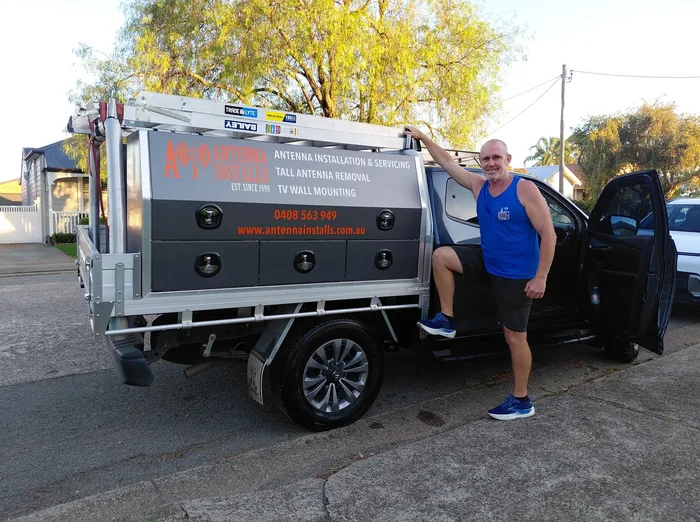
Mark runs Antenna Installs from New Lambton and has worked across Newcastle, Lake Macquarie and the Hunter since 1999. He is an electronic technician with an ACRS Registered Cable Licence (A019419), rated 5.0 from 565 Google reviews. More about Mark.

Free quote
Picture playing up? Call Mark.
No call-out fee, and quotes are free. Open 7 days. Smaller jobs priced over the phone, and often done on the spot.
0408 563 949